

- Trendyol Süper Lig and Trendyol 1. Lig matches live
- All Family package channels included
- TOD Studios productions included
Total
€119
Turkish channels, films, series and TOD Studios productions, plus Süper Lig with Sports + Family. Stream over the internet without a satellite dish.
Family for Turkish channels. Sports + Family adds Süper Lig.
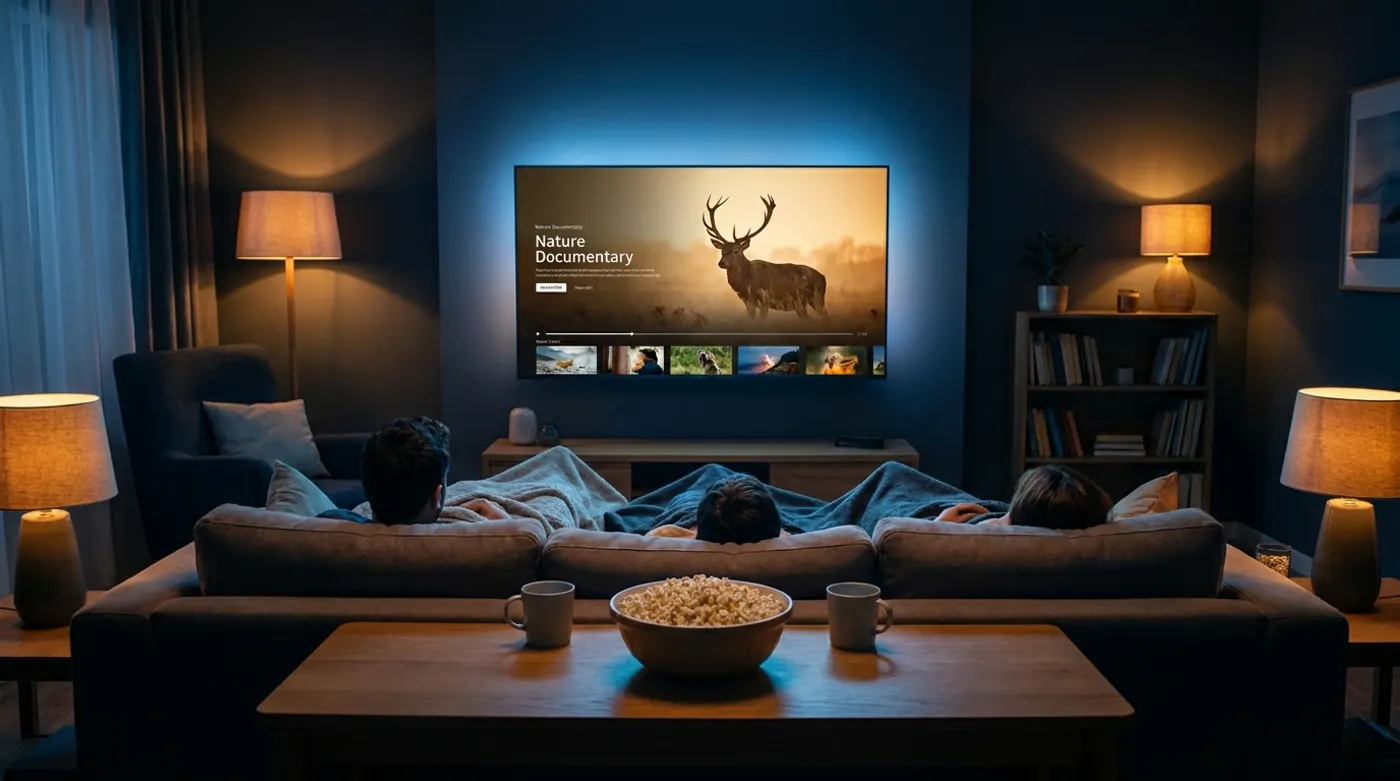
From kick-off to a family film night.

Match broadcasts and Family package content together.

TOD Studios, films and series.


Check the channel selection for your chosen package.


Watch on a Smart TV, smartphone, tablet or computer and set up the app.
Open guideWhat to know about channels, match broadcasts and watching across Europe.
Open guideClear answers about a new subscription, activation and renewing your existing membership.
Open guideInstall the app from your device’s app store and sign in with your membership details.
Family for Turkish channels; Sports + Family adds Süper Lig.
Complete your order and check the activation details you receive.
Use your streaming account in the app or browser.
Consider Family for series, news and entertainment on Turkish national channels. Choose Sports + Family if you also want live Süper Lig and 1. Lig matches; it also includes every Family channel. Digiturk Play's Family and Sports packages include TOD Studios productions. Twelve months cost €89 for Family (works out at €7.42 a month) and €119 for Sports + Family (works out at €9.92 a month), paid once; Channels shows whether a series’ channel is in the package, and the TV Guide shows its airtimes.
Watch Digiturk Play on smartphones, tablets, computers (web browser) and Smart TVs. You install the app from your device’s app store; Devices & setup explains the steps.
First check your current package and expiry date in the subscription portal. Membership & renewal explains the difference between a new subscription and extending an existing account, and the steps to renew. The package, term and current total price are shown in the order summary.
Watch Süper Lig matches over the internet, no dish required.
Your cookie choice: Google Analytics measures basic visits without cookies. Analytics cookies, Ahrefs Analytics, Microsoft Clarity and remembering partner referrals for 30 days are enabled only with your consent. Details