
Digiturk Play setup and viewing guide
Start watching on your TV, phone or computer. Choose your device and follow the steps in order.
Which device will you watch on?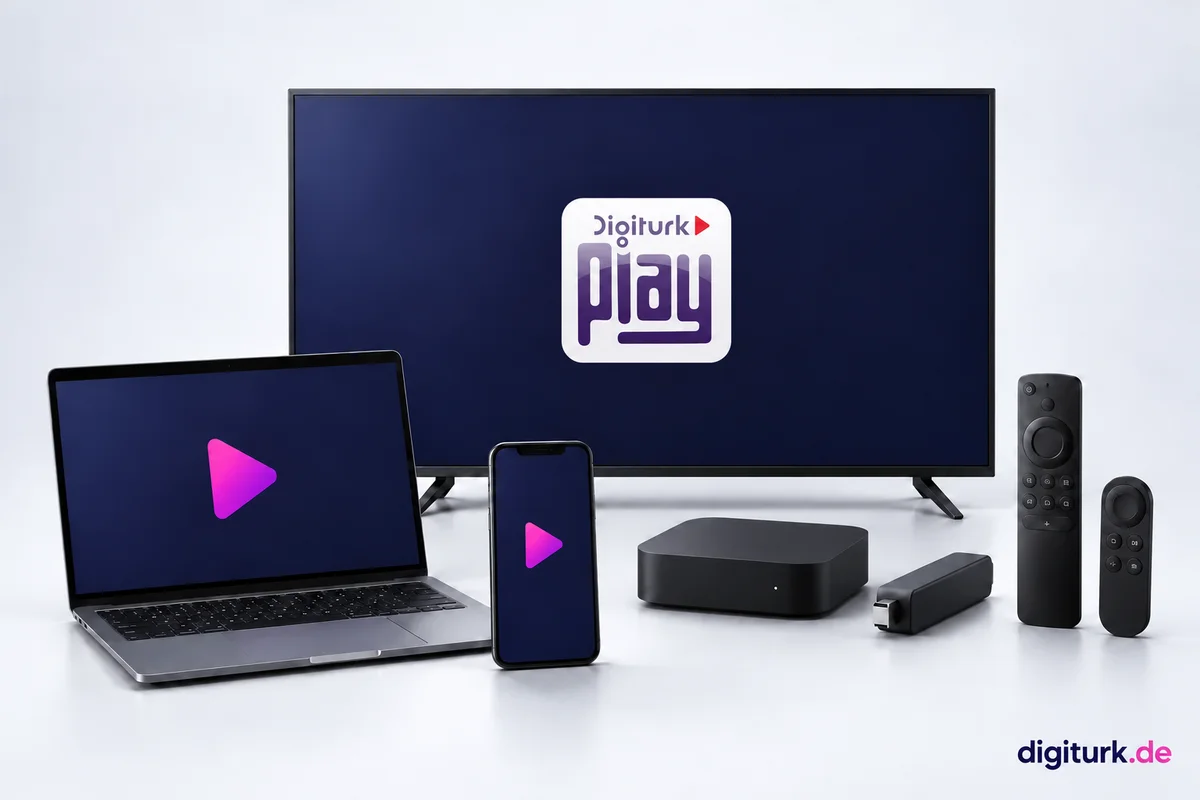





Before you start
- Connect your device to the internet. Use Ethernet on your TV where possible.
- Check the member panel for your viewing credentials. If they are still being prepared, wait until they are ready.
- Use the username and password in your membership email or member panel. The one-time portal sign-in code is not your app password.

Find the right app
Digiturk Play Yurt Dışı
Search for “Digiturk Play Yurt Dışı” or “Digiturk Play Yurtdışı”. Check that the publisher is Digiturk / Digital Platform. The icon and screens may change with updates. Android boxes also have a “Digiturk Play Android Box” listing.
 Open in App Store
 Open in Google Play
Which device will you watch on?
Help when you get stuck
App not found in the store
Check the device model, system updates and that the store country matches where you live. A store account may be needed. A missing app can be a model or region issue; send your model to support. Do not force installation by changing countries or installing APKs.
Username or password rejected
Copy the current viewing credentials from the member panel. Check letter case and spaces. The digiturk.de panel uses your order email and a one-time code; the viewing app uses the supplied username and password. For password issues, follow the panel’s password-change guidance or ask support.
Signed in, but no picture or buffering
Check that your membership is active and the content is in your package. Stop streams on other devices. Restart the app and device and install updates. Try Ethernet or move closer to the router and pause large downloads. If it continues, record the error and time for support.
Still unable to watch?
Tell us your device model and where you got stuck; we’ll help.